Thailand eSIM Guide: Get Mobile Data Before You Land
A Thailand eSIM lets you get mobile data on arrival. Check phone support, install your plan before departure, and get online as soon as you land.
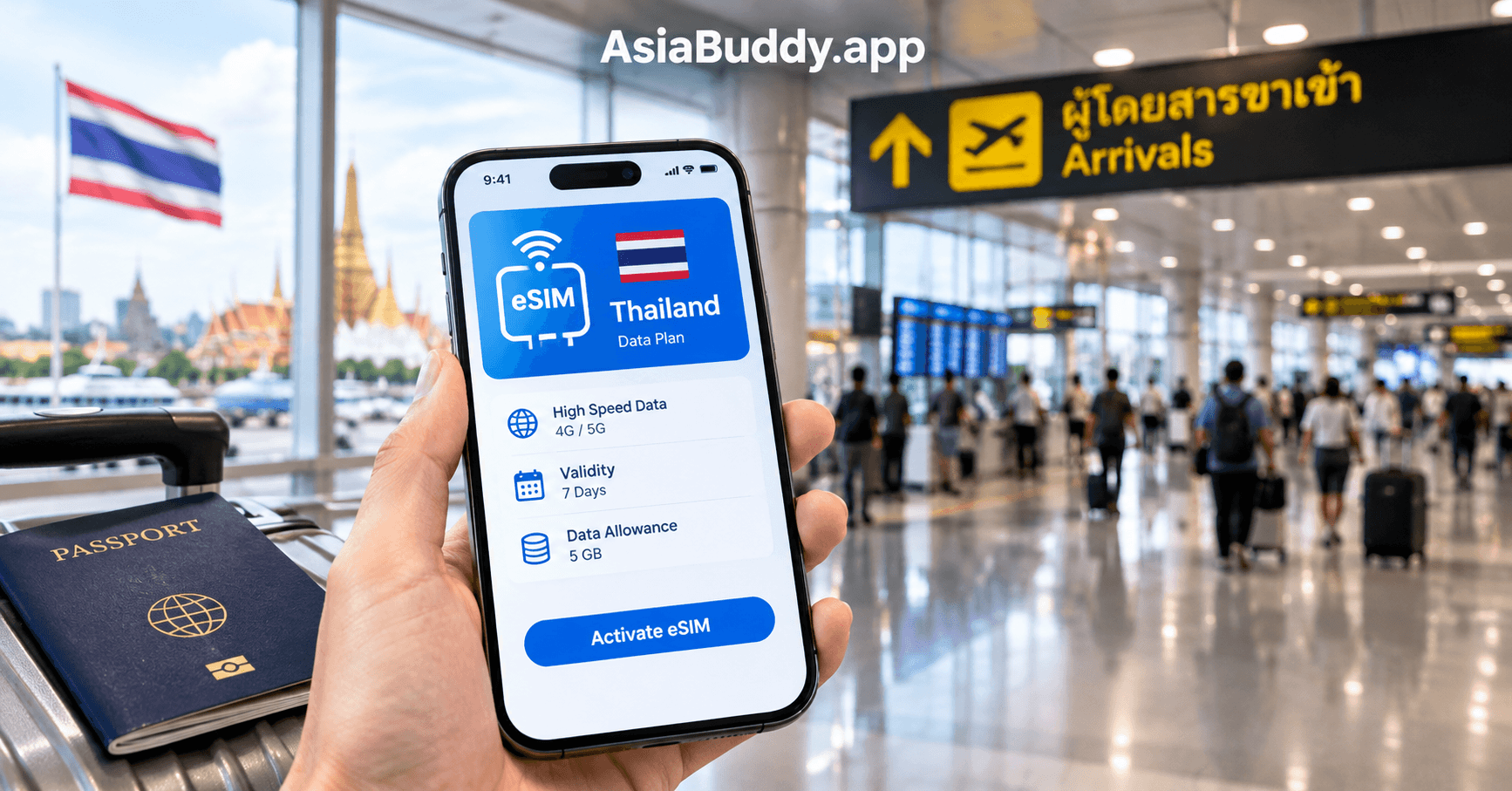
A Thailand eSIM lets you use mobile data when you arrive in Thailand without visiting a SIM card counter or swapping your physical SIM. You can buy and install it before your trip, then connect as soon as your flight lands.
Explore Thailand Tours



What Is a Thailand eSIM?
A Thailand eSIM is a digital SIM that gives your phone local mobile data in Thailand, and you set it up with a QR code or link instead of a plastic card. Install it before you fly and switch it on when you land.
Many modern smartphones have an eSIM built in. Instead of inserting a small physical card, you install a data plan by scanning a QR code or following a link on your phone.
An eSIM can work beside your normal SIM card. This means you can keep your home number active for calls, messages, and banking codes while using Thai mobile data for maps, transport apps, and travel information.
Check Whether Your Phone Supports a Thailand eSIM
![Smartphone settings menu showing the Add eSIM option under mobile network settings]
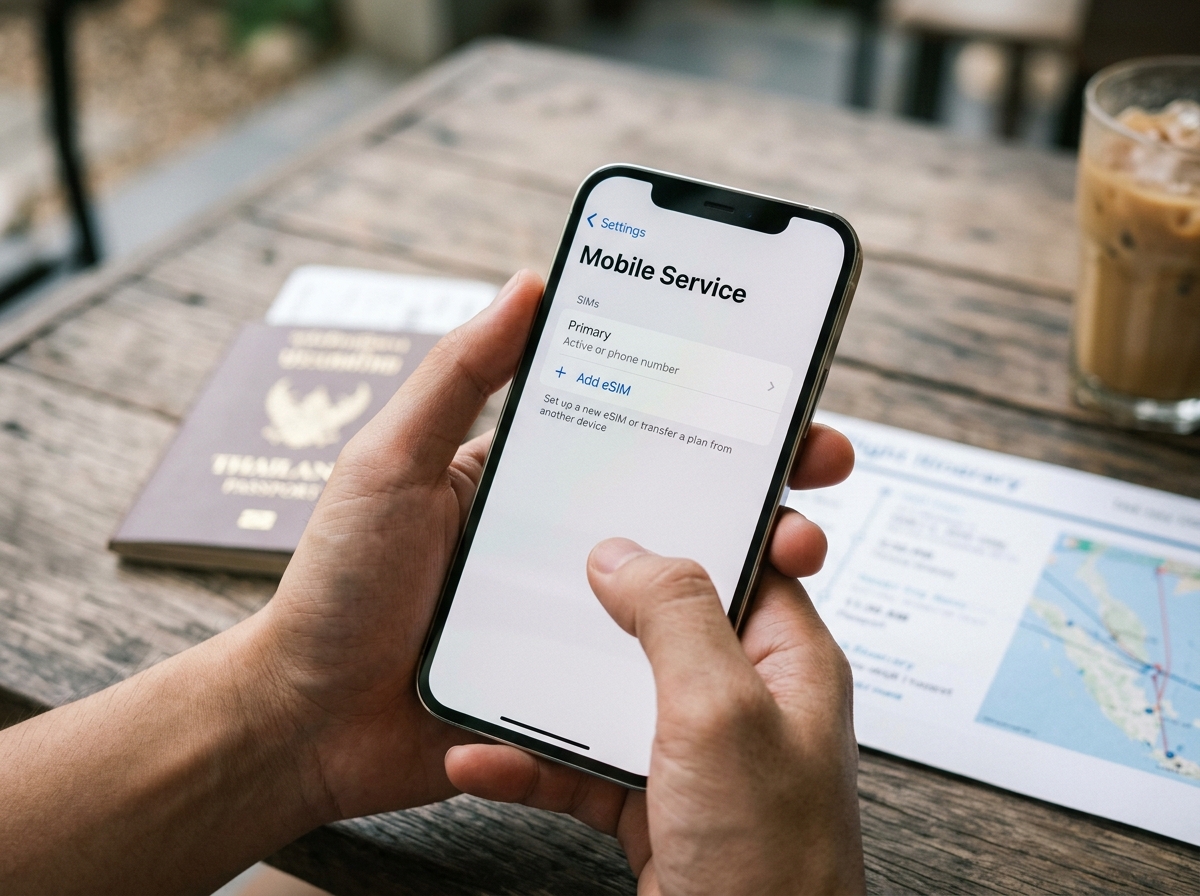
Check that your phone supports eSIM before you buy a plan. Most iPhones from the XS onward and many newer Android phones, including Google Pixel and Samsung Galaxy models, support eSIM.
You can usually check under Cellular or Mobile Network in your phone settings. Look for an option such as Add eSIM or Add Data Plan.
Your phone also needs to be network unlocked, because a phone locked to your home carrier may refuse a new plan. If you are unsure, ask your carrier or phone maker before you travel.
How to Set Up Your Thailand eSIM
![Smartphone screen showing an eSIM QR code ready to scan for installation]
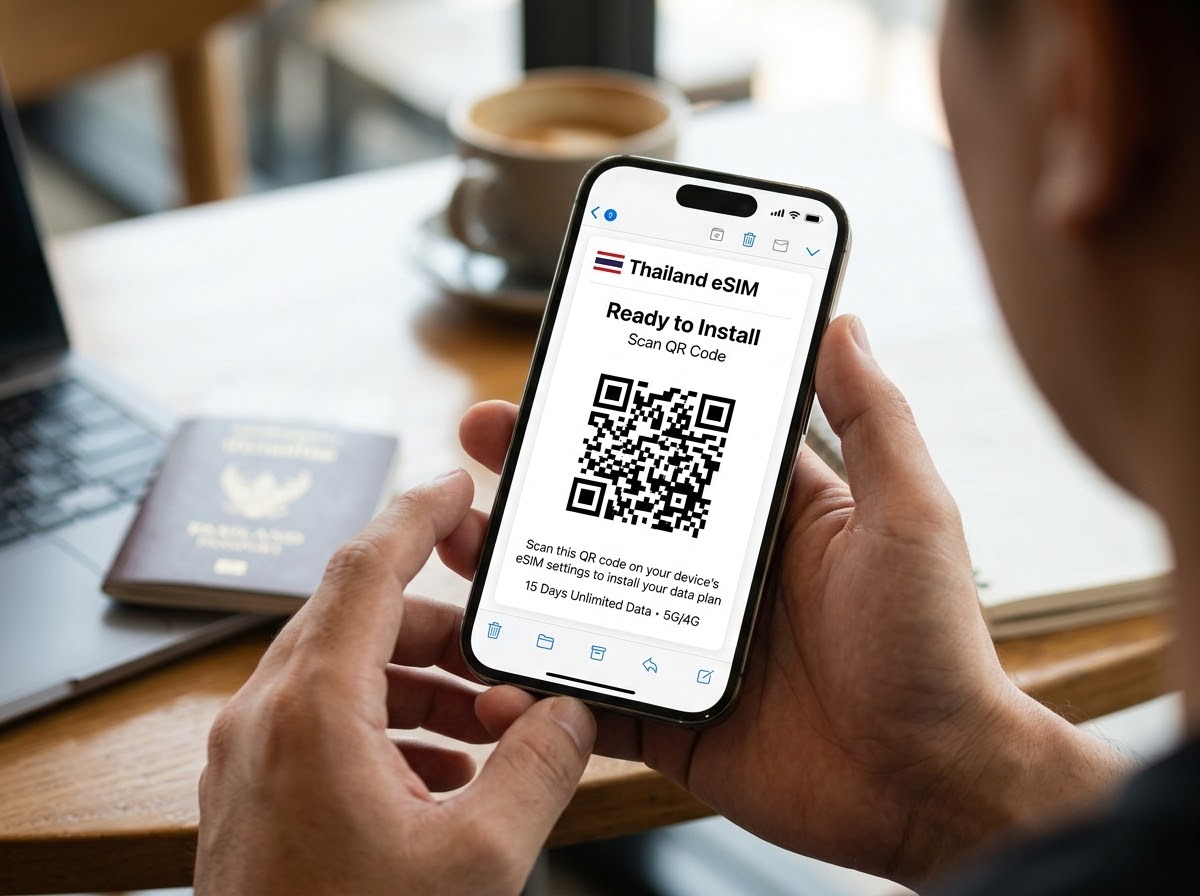
Follow these steps at home, a few days before you fly.
- •Buy your Thailand eSIM before you leave home.
- •Install it while you are connected to Wi-Fi.
- •Scan the QR code or follow the installation link.
- •Turn on the eSIM data plan when you arrive in Thailand.
Install the eSIM before departure so you do not need airport Wi-Fi or a local SIM shop when you land. Many plans let you choose when the validity period starts, either at installation or when you connect to a local network.
You need Wi-Fi or existing mobile data to download the eSIM profile. After installation, you do not need an internet connection until you want to use the data plan.
Using Your Thailand eSIM in Thailand
![Traveler checking a maps app on a smartphone after arriving at a Thailand airport]

When your plane lands, turn on your eSIM data plan and connect to a local mobile network. You can then use maps, ride-hailing apps, translation tools, and messaging apps without waiting in line at the airport.
If you need more data during your trip, check whether your plan can be topped up in the provider app. This can be easier than buying a new eSIM or visiting a mobile shop.
For an easier arrival, plan your airport transfer service in advance and review Thailand entry requirements before you travel. You can also start with the main Thailand travel guide to organize the rest of your trip.
Have a question about your trip? Contact AsiaBuddy.
Frequently Asked Questions
What is an eSIM?
An eSIM is a digital SIM built into your phone. You install a data plan by scanning a QR code or tapping a link, so you do not need to insert a physical SIM card.
Is my phone compatible with eSIM?
Most iPhones from the XS onward and many recent Android phones support eSIM. Check your phone settings for an Add eSIM or Add Data Plan option before you buy.
When should I install my eSIM?
Install your eSIM before you leave home, while you have Wi-Fi. You can usually choose when the data validity period starts, so you do not use days of your plan before arrival.
Do I need Wi-Fi to install an eSIM?
Yes. You need Wi-Fi or existing mobile data to download and install the eSIM profile. After installation, you do not need an internet connection until you want to use the data plan.
What happens if I run out of data?
Many eSIM plans can be topped up through the provider app when your data runs low or expires. Check the top-up options for your specific plan before you buy.
More from Thailand Travel

Thailand Year-End Flights 2026: What TAT Support Means
Thailand is using emergency funds to support year-end flights. See what the TAT plan means for fares, festival trips and...

Lamphun Lantern Festival 2026 Dates and Visit Guide
The Lamphun lantern festival 2026 runs from October 1 to November 30. Get the key dates, parade day, temple etiquette an...

Siam Amazing Park Reopening in Bangkok on November 19
Siam Amazing Park is reopening in Bangkok on November 19, 2026. See which areas open, which rides stay closed, and what...
Share this post
AsiaBuddy Team
Local experts helping travelers explore Southeast Asia with confidence — trusted guides, curated tours, and real destination knowledge.